logo
HomeBlogs

What Common Actions Can Trigger an AI Proctoring Alert?

What Common Actions Can Trigger an AI Proctoring Alert?

Discover common AI proctoring alert triggers, from gaze changes and multiple faces to background noise and technical interruptions. Learn why alerts occur, whether they indicate cheating, and how institutions can review flagged events before taking action.

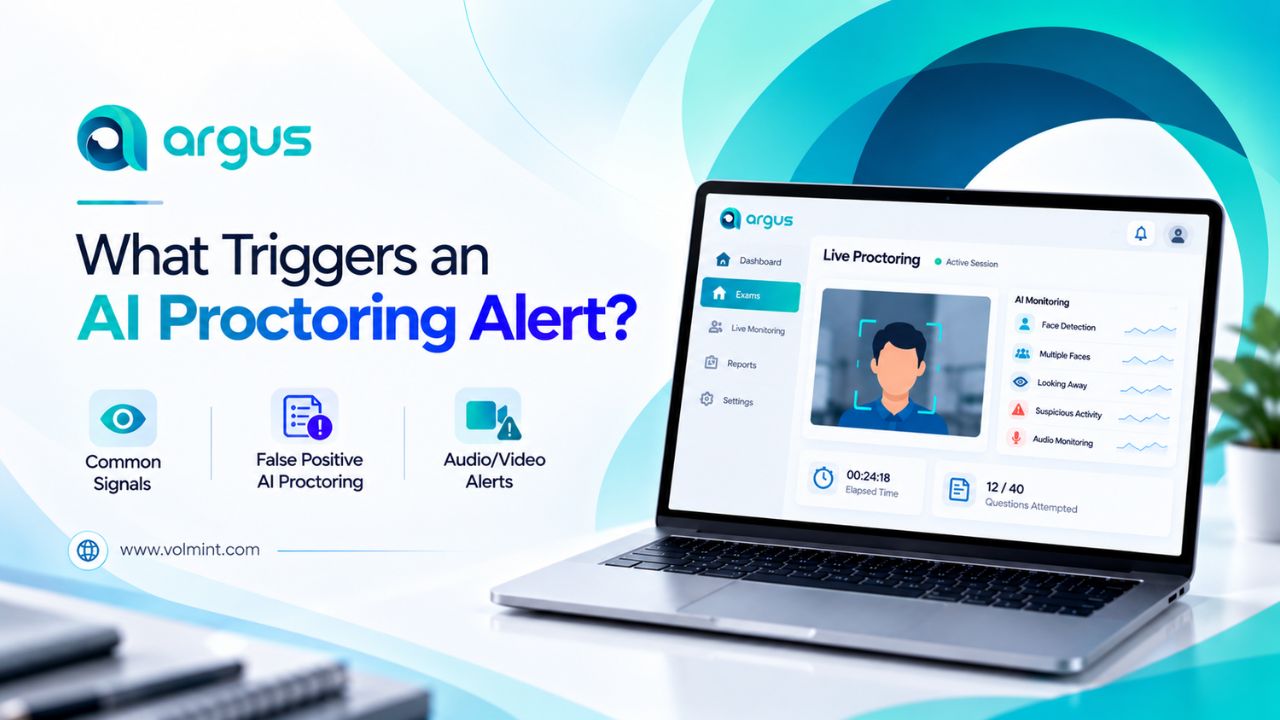
Depending on the predefined rules set by educational institutions and the capabilities of online exam monitoring software, there are several types of events that may trigger alerts during AI proctoring. Some of the most common examples include looking away from the screen, multiple faces appearing on screen, unexpected audio, and activities that require attention to maintain exam integrity

What Triggers AI Proctoring Alerts?

The following examples explain what an alert may indicate without assuming that every system detects every event.

Potential Triggers

Why it may be flagged

What should a reviewer check

Face not visible

Candidate watching outside the camera or frame

Before marking it as flagged, the reviewer must check camera position, connection, and duration of the event.

Multiple Faces on one Screen

Besides the registered candidate, other faces are detected on the screen

Check whether someone entered the room or the detection is incorrect.

Repeated Gaze Changes

Candidate frequently looks away from the screen

Look to see if it is natural behavior, any special abilities, or detection is incorrect

Unexpected Audio

The microphone captures unexpected or suspicious audio/sound

Check if it is household activity or background noise.

Restrict Browser Activity

The candidate attempts an action prohibited by the exam configuration

The recorded browser event and the applicable rules

Camera or Network Interruption

Monitoring input becomes unavailable

Whether the interruption was technical and whether monitoring resumed

Note: Features such as gaze changes, audio capturing, verification, browser lockdown, and more vary based on the chosen AI Proctoring software. Check with your service provider before deciding.

What Triggers an AI Proctoring Alert?

During an online assessment with AI-based online exam proctoring software, several events may be marked as suspicious activity detection, demanding review. Let’s check

Can Looking Away from the Screen Trigger an AI Proctoring Alert?

Based on gaze-related and head position, frequently looking outside the view may trigger an alert. However, it depends on the online exam monitoring software.

Several times, candidates are distracted due to household activities; thinking while looking to another side, reading permitted material, or adjusting their posture may trigger potential alerts that create unnecessary chaos during the online assessments.

As some natural behavior may be triggered as potential violations by the AI-based online exam software, educational institutes must understand how the system defines suspicious activities, and a reviewer can examine available evidence.

Can Multiple Faces Detection Trigger an AI Proctoring Alert?

Absolutely. AI exam monitoring uses artificial intelligence and other similar technologies to analyze selected signals, including the webcam, to detect the screen. If multiple faces are detected, it may trigger an AI Proctoring Alert for further review by the human invigilator or proctor.

Based on the remote proctoring software configuration, the AI may detect multiple faces and raise alerts, but it cannot justify or understand circumstances from that signal alone.

Can Background Noise Trigger an AI Proctoring Alert?

Yes. AI Exam Monitoring software may detect unusual sounds and unauthorized voices during online assessments and mark them as a potential violation.

However, sometimes it may be considered a false positive in AI Proctoring. The reviewer may consider the event, its duration, and the background to take the necessary actions.

Does Every AI Alert Mean a Student is Cheating?

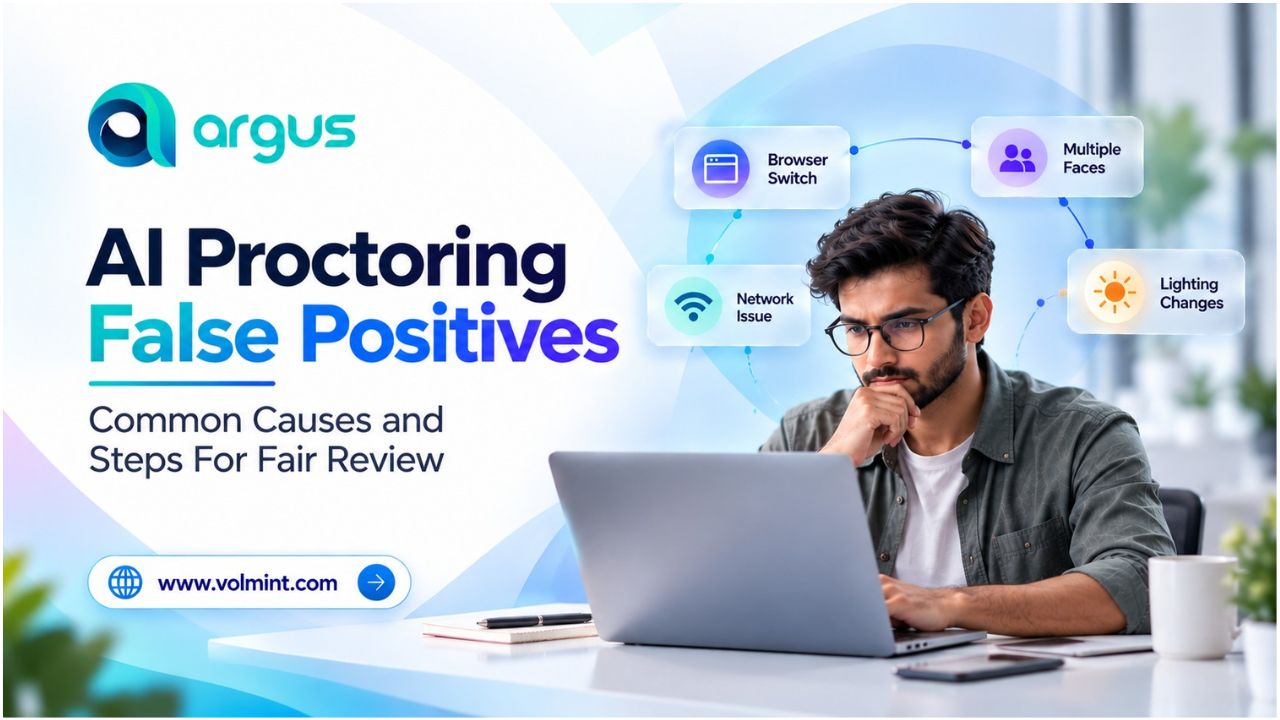
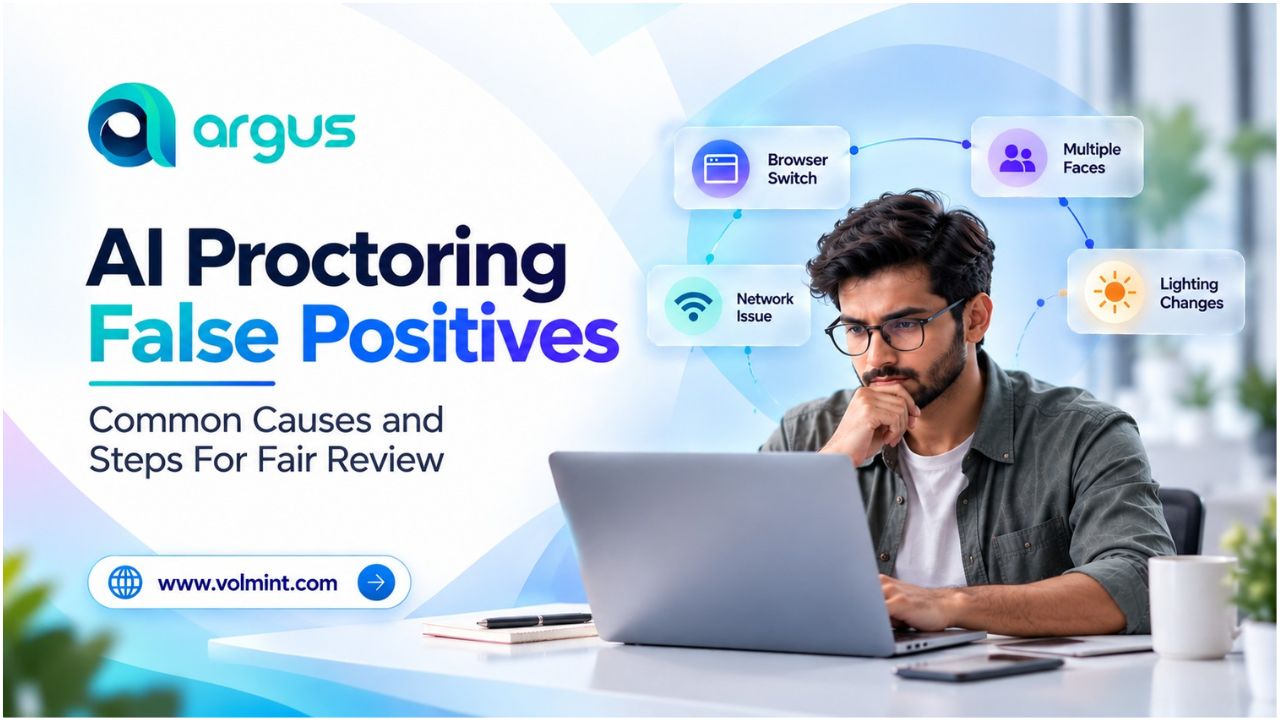
Absolutely not. AI Exam Monitoring alerts trigger suspicious activities and potential threats during an online assessment based on the predefined criteria established by the educational institute and service providers. However, it has some technical and contextual limitations that may trigger false positives in AI proctoring.

Alerts can arise from ordinary behavior, technical issues, ambiguous events, or genuine rule violations. Their meaning depends on the available evidence and the specific detection method.

What Should Institutions Do When an AI Proctoring Alert Is Raised?

When an AI Proctoring alert is raised, institutions must follow these steps to safeguard exam integrity and make fair decisions.

  • Record the Alert- capture the event category, timestamp, and available supporting evidence.
  • Review the Context – Check the relevant footage and review it to understand whether the flag is valid or not.
  • Apply the Examination Rule – Based on the observation and evidence, the human proctor takes necessary action as documented.

Conclusion

AI proctoring alerts help examination teams identify events that may require attention, but their value depends on how accurately those events are detected and how carefully they are reviewed.

For universities, colleges, certification providers, and recruitment teams, the priority should be to understand what triggers an alert, what evidence supports it, and which steps are needed before acting.

Students and universities should understand the system and their configuration clearly to minimize the risk of unnecessary chaos and maintain a smooth, secure, and reliable exam atmosphere.

More Blogs

Contact Volmint Technologies

Let's Connect for Technological Brilliance

Reach Out to Volmint Technologies Today and Unleash the Power of Customized Solutions Tailored to Elevate Your Business.

Contact Us
Footer Background Circle
Volmint Technologies | What Common Actions Can Trigger an AI Proctoring Alert?