
logo
HomeBlogs

AI Proctoring False Positives: Causes and Review Steps

AI Proctoring False Positives: Causes and Review Steps

Discover the common causes of false positives in AI proctoring, including natural movements, poor lighting, background noise, and technical issues. Learn how institutions can review alerts, verify evidence, apply exam rules, and reduce unnecessary flags through human oversight.

As many universities and certification providers conduct online examinations, it's becoming difficult for them to conduct a secure and smooth assessment with traditional proctoring systems. Therefore, educational institutions are opting for AI proctoring software to automate processes and improve online exam integrity.

AI Proctoring helps institutions monitor online examinations using supported signals, such as a webcam and microphone, to identify irregularities and irrelevant activities that require further review. However, an AI proctoring alert does not automatically mean that a student has violated the terms or is indulging in exam malpractice. Normal human behavior, technical issues, environmental conditions, and system limitations can trigger false positives that can be resolved through human intervention.

For universities, colleges, certificate providers, and training institutes that conduct online examinations, understanding why false positives occur, their causes, and how to review them is important in making online examinations more reliable and fairer. This blog helps you learn about suspicious activity detection and how a human proctor should react.
What is a False Positive in AI Proctoring?

 AI-powered online exam monitoring uses artificial intelligence and related technologies to identify suspicious activities during the examination and trigger alerts for further review. However, sometimes the AI flags normal human behavior or legitimate activities as a potential violation, creating chaos. These flags or false alerts are known as False Positives in AI proctoring.

Basically, AI proctoring software observes and identifies patterns/events that may require human intervention based on the predefined parameters and system capabilities. After the alert is generated, the assigned person will go through the evidence-based evaluations and take necessary action to secure the examination from any misconduct.

What Causes False Positives in AI Proctoring?

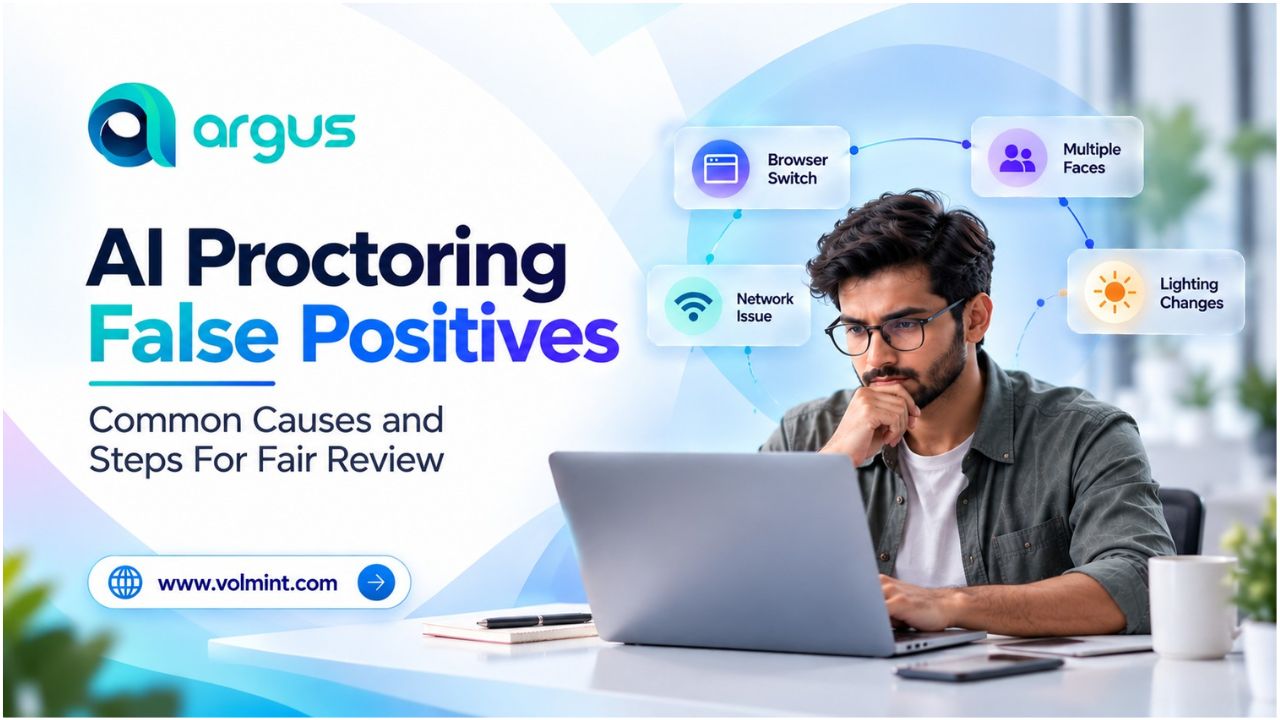
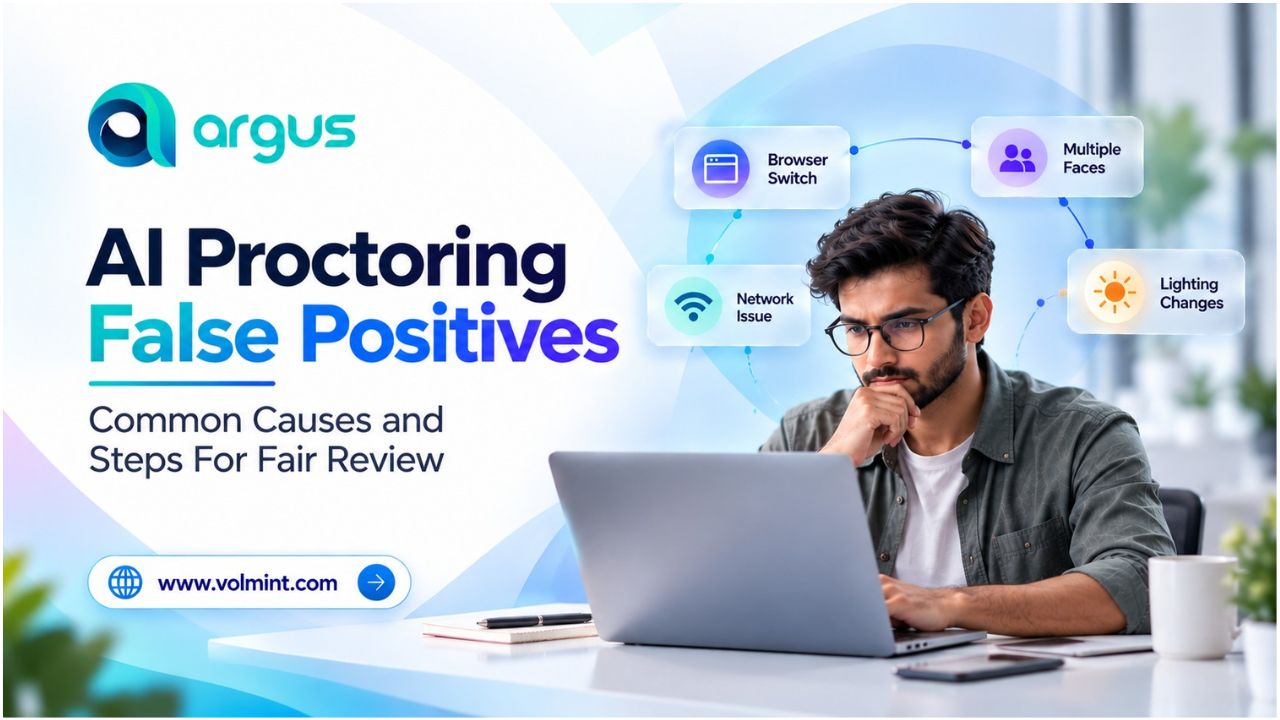
From natural movement to low light and technical limitations of online exam monitoring software, several causes trigger false positives in AI proctoring.

Causes of AI Proctoring False Positives

Here are some of the major events that trigger AI alerts:

Cause

Event

How to Reduce?

Natural Behavior

Looking outside the screen while thinking, reading a permitted document, blinking frequently due to itchiness, posture changes, and small head movements are some common examples that trigger alerts, even when there is no misconduct.    

Rather than relying on a single movement, review the event duration, frequency, and context before further investigation.

Poor Lighting

Dim lighting, shadows, low-resolution camera, glare, and low webcam quality may affect identity verification.

Use a clear camera and a decent system that fulfills the demands of the system, ensuring accurate identity verification

Technical Interruptions

Poor bandwidth, browsing issues, camera & microphone permissions, power cuts, and other related issues are major causes of false positives.

Check technical logs and distinguish monitoring failures from behavior that could violate exam rules.

Background Sound

Unacceptable audio, outside crowd, family activities, traffic, door closing, and related issues trigger audio alerts.

Consider the audio event's context and whether the applicable exam rules prohibit the detected activity.

Remote Proctoring Software Limitations

AI models classify events using patterns and configured thresholds. Poor conditions and uncertainty in online exam software trigger alerts.  

Understand AI proctoring software, its capabilities and limitations


How Should Institutions Review AI Proctoring False Positives?

A structured online exam proctoring software that combines AI technologies with Human oversight may help to conduct fair and smooth online assessments. Depending completely on AI and accepting Flags may compromise integrity. However, a good review process helps to identify false alerts and avoid unfair conclusions.

Step 1: Identify The AI Alerts

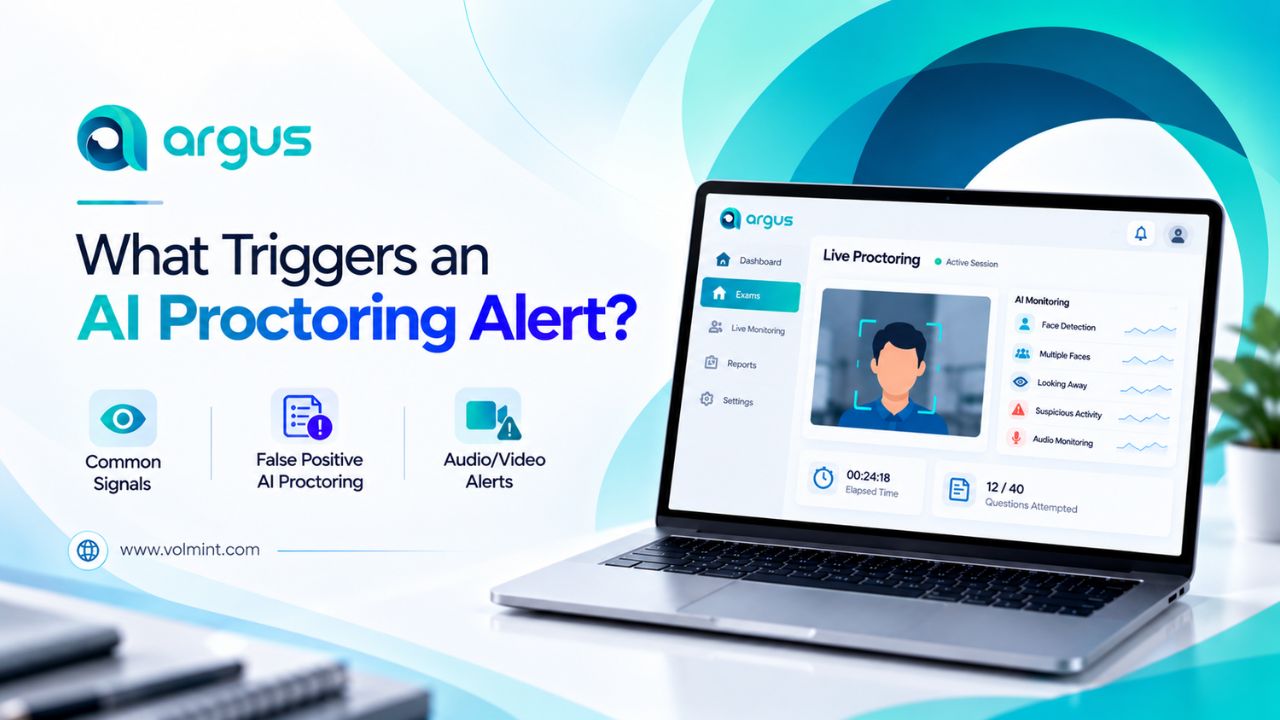
Firstly, understand what kind of alert system was generated; was it face-detection, audio-related, technical issues, restricted browser, and more?

Review the alert descriptions and timestamps; avoid assuming misconduct based only on the alert category.

Step 2: Check the Evidence and Footage

As permitted by the rules, examine the evidence and check recordings, technical logs, and screenshots.

Understand the context and give the student a fair chance to explain, rather than drawing conclusions from a single frame or isolated action.

Step 3: Check Technical Factors

Consider technical limitations and issues, such as lighting, camera placement, background, connectivity, and device performance.

Review any reported technical difficulties and determine whether the system had sufficient information to assess the event reliably.

Step 4: Apply the Documented Rules

Compare the available evidence with the rules communicated to students before the exam.

An action should not be considered a violation simply because it appears unusual to the monitoring system.

Step 5: Escalate the Issue for Further Review

If an alert remains ambiguous, forward it to a trained human reviewer who can access the evidence and take the necessary action.

Reviewers should be able to question an AI-generated flag rather than automatically accepting it.

To avoid further issues, document all irregularities and false positives in AI proctoring to improve the capabilities of online exam software.

How to Reduce False Positives in AI Proctoring

Institutions can reduce unnecessary alerts by combining appropriate technology settings with clear policies and effective human oversight.

  • Test before deployment
  • Set proportionate alert thresholds
  • Give students clear instructions
  • Train reviewers/human proctors
  • Monitor performance over time
  • Protect student privacy

Before choosing an AI proctoring software, here are the 10 must-ask questions to avoid any issues and choose wisely.

Conclusion

AI proctoring false positives are an important consideration when using online exam monitoring software. They can arise from natural student behavior, environmental conditions, technical interruptions, or model limitations.

The most effective approach combines reliable detection with contextual human review. By investigating alerts carefully, applying exam rules consistently, and learning from review outcomes, institutions can strengthen exam integrity without treating every automated flag as evidence of cheating.

More Blogs

Contact Volmint Technologies

Let's Connect for Technological Brilliance

Reach Out to Volmint Technologies Today and Unleash the Power of Customized Solutions Tailored to Elevate Your Business.

Contact Us
Footer Background Circle
Volmint Technologies | AI Proctoring False Positives: Causes and Review Steps