1. Does the platform support common assistive technologies?
Assistive technologies enhance interaction with digital systems to meet individual needs, including screen readers, magnification software, speech-to-text tools, keyboard navigation, and alternative input devices. However, compatibility is not guaranteed, as secure examination browsers and monitoring applications may impose further restrictions beyond standard browser functionality.
What Institutions Should Look For? Ask for a list of supported assistive technologies, operating systems, and browser combinations. More importantly, request a demonstration using the tools candidates are likely to use.
2. Can candidates receive reasonable examination accommodations?
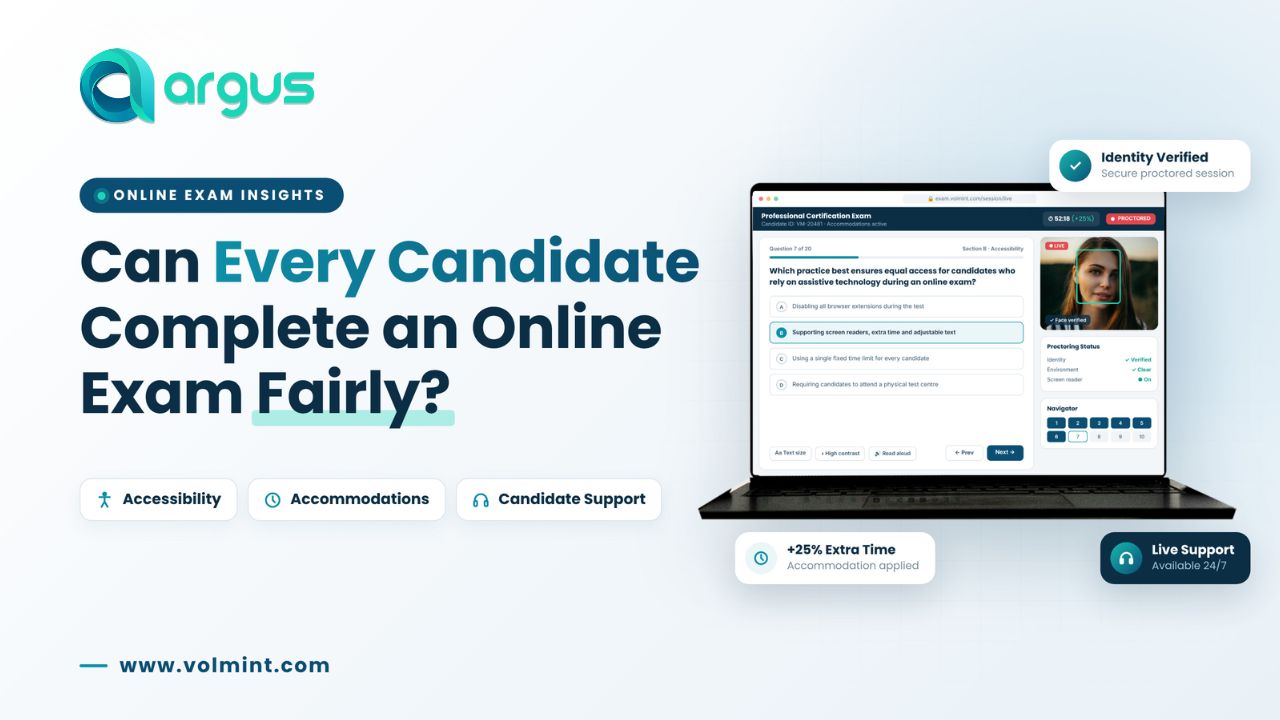
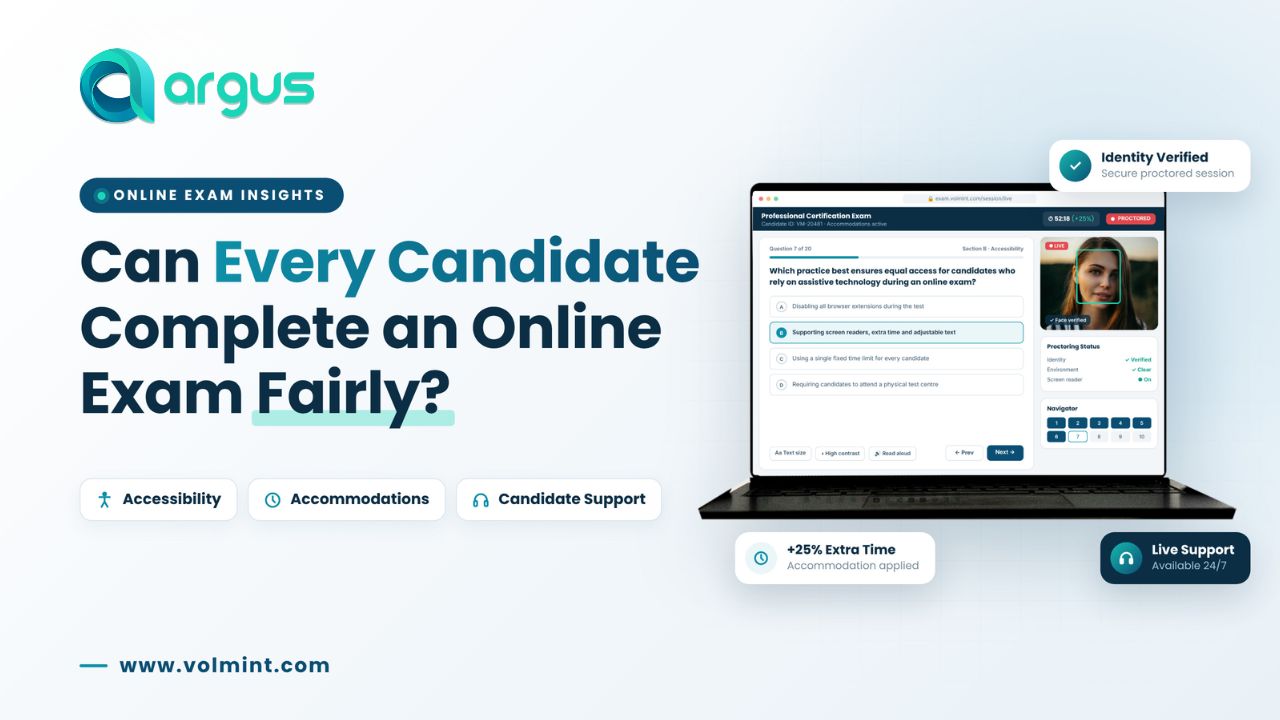
Different candidates may need varied arrangements for examination participation, such as extra time, breaks, alternative input methods, or modified monitoring procedures, based on institutional rules and assessment types. The proctoring platform must effectively accommodate these approved arrangements while minimizing administrative challenges.
What Institutions Should Look For? The vendor should explain how accommodations are configured, communicated, and implemented.
3. How does the platform handle candidates who use assistive devices?
Assistive devices and technologies can produce movements, sounds, or interactions that deviate from typical examination behavior, potentially leading to automated alerts or conflicts with standard examination rules depending on the monitoring configuration.
What Institutions Should Look For? The vendor should explain how assistive technology use is accommodated without compromising the examination's agreed security requirements.
4. Does the platform meet recognized accessibility guidelines?
Accessibility should be evaluated using recognized standards and practical testing rather than general statements such as "our platform is user-friendly."
What Institutions Should Look For? Request an accessibility audit, a Voluntary Product Accessibility Template (VPAT) where applicable, or another detailed accessibility conformance report.
5. Can candidates complete identity verification without unnecessary barriers?
Identity verification is crucial for online examination security but must consider various candidate circumstances and technical limitations, such as poor lighting, camera quality, accommodations, or challenges managing identity documents. It's essential to establish a clear resolution process for these issues.
What Institutions Should Look For? Ask the vendor to demonstrate the identity verification process, including what happens when an automated check is unsuccessful.
6. Does the vendor provide a pre-exam system compatibility check?
A pre-exam system check enables candidates to identify technical issues prior to the examination. This check may include assessing the browser, operating system, internet connection, camera, microphone, screen permissions, and secure browser requirements.
What Institutions Should Look For? A useful pre-exam check should help candidates identify and resolve problems before the scheduled assessment.
7. What technical support is available before or during the examination?
Technical issues can arise despite candidates completing system checks, including browser unresponsiveness, unstable internet connections, or unexpected camera disconnections.
What Institutions Should Look For? Understand the vendor's actual support coverage, not just its advertised availability.
8. How does the platform handle internet and device-related problems?
Remote examinations rely on the candidate's device and internet connection, with issues like connectivity problems, power interruptions, camera disconnections, and software compatibility potentially affecting the process.
What Institutions Should Look For? Ask the vendor to demonstrate common interruption scenarios.
9. How does the vendor handle candidate complaints and accessibility-related issues?
Candidates should have a clear way to report difficulties before, during, and after an examination. These may include problems with assistive technology, unsuccessful identity verification, inaccessible interface elements, technical interruptions or concerns about how an automated alert was handled.
What Institutions Should Look For? A vendor should have a transparent process for recording, investigating, and escalating candidate concerns.
Final Thoughts
A successful online examination should not be judged only by how effectively a platform monitors candidates. It should also be judged by whether candidates can access, understand, and complete the examination under the approved conditions.
Before choosing a proctoring vendor, institutions should ask detailed questions about assistive technology compatibility, examination accommodations, identity verification, monitoring exceptions, technical support, and complaint handling.