logo
HomeBlogs

Online Proctoring Reports: What Exam Teams Should Verify

Online Proctoring Reports: What Exam Teams Should Verify

Discover how exam teams can verify online proctoring reports to support fair and secure assessments. Learn to check candidate identity, session timestamps, AI-generated alerts, recordings, technical interruptions, reviewer decisions, and data access controls before taking action on a potential exam violation.

Online Proctoring Reports: What Exam Teams Should Verify

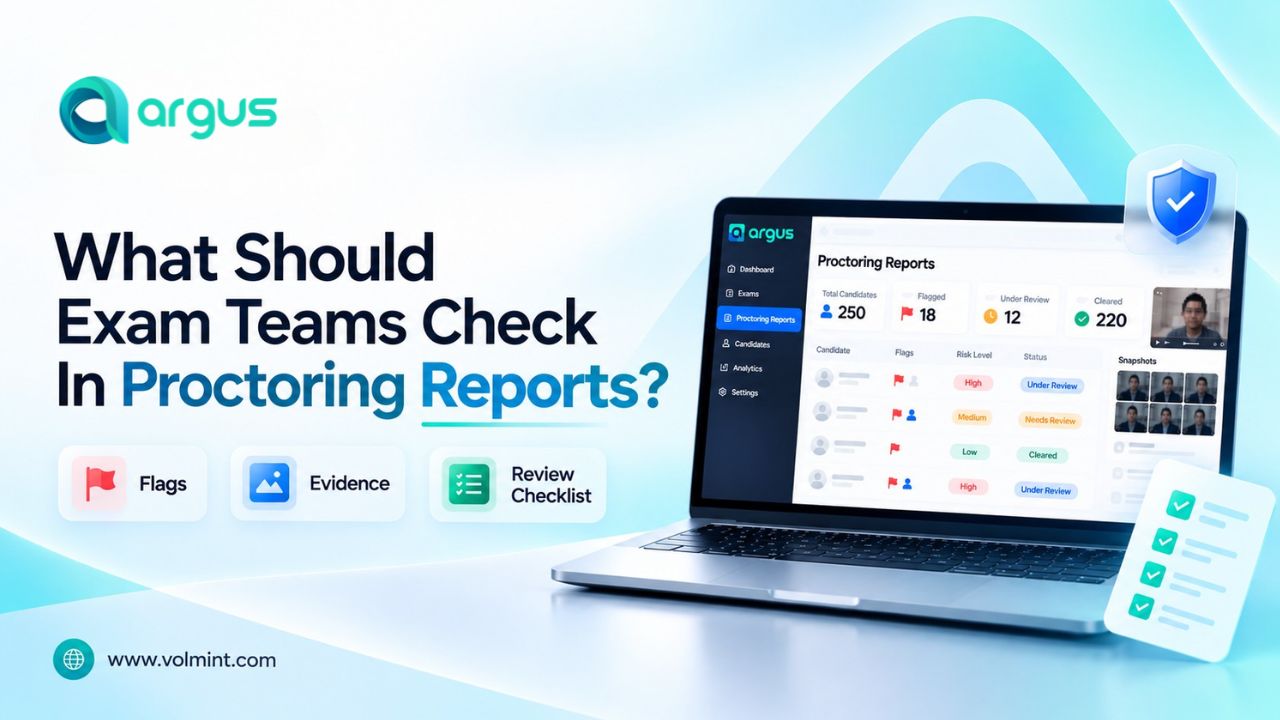
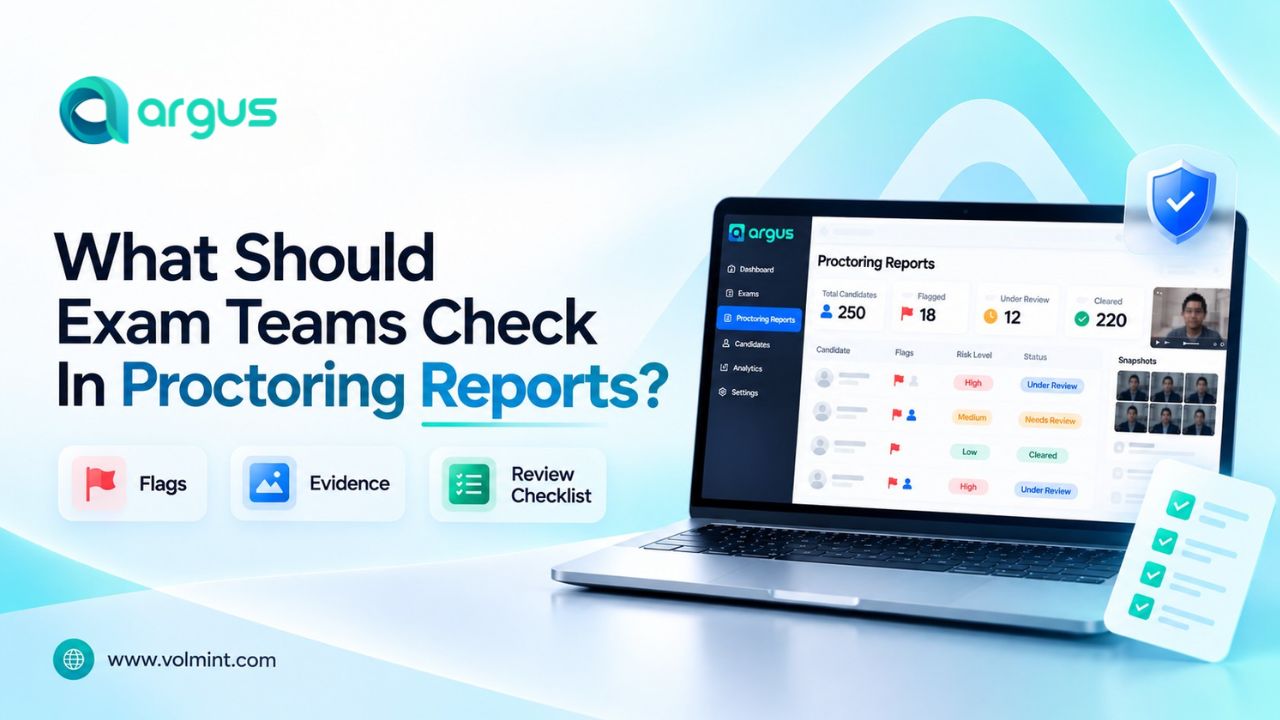
An online proctoring report helps to verify the candidate's identity, timestamps, alerts, technical issues, and flags, ensuring smooth online exam monitoring to maintain exam integrity. The exam team can analyze the report and understand what happened during the session to take necessary steps, maintaining exam integrity.

An online proctoring report helps exam teams to supervise remote sessions and understand what happened during the activity, empowering them to analyze the challenges and take required steps. Depending on the system, it may include candidate identity checks, activity timestamps, AI-generated alerts, video and audio evidence. Also, faculty and invigilators can review technical interruptions during or after the assessment.

The proctoring report may include alerts or proctoring flags that were generated during the session when a potential violation was detected by the online exam monitoring software. The exam team needs to verify underlying evidence, check for technical challenges, and document how each concern was resolved.

What is an Online Proctoring Report?

An online proctoring report is the record of selected information captured, generated, and monitored during the tests to ensure online exam security. It helps the exam team to review whether the session followed the institution’s assessment rules and what further investigation required.

The exam integrity checks depend on the chosen AI proctoring software and exam setting. A report may include:

  • Candidate identity-verification result.
  • Exam start, end, and submission timestamps.
  • AI-generated alerts or observations from a human proctor.
  • Links to relevant video, audio, or screen recordings
  • Browser, device, connectivity, or session interruptions.
  • Reviewer notes, decision, and follow-up actions

What Should Exam Teams Verify in an Online Proctoring Report?

Online Exam monitoring reports must be used as the reviewed evidence, not as an automatic verdict. Human review in online exams is important to make the process reliable and student-centric.

Is the candidate’s identity verification complete?

Confirm whether the required identity checks were completed and whether the recorded result matches the exam's verification policy.

Are the timestamps and exam events consistent?

Review the session timeline to confirm that the exam started and ended as expected and that important events occurred in a plausible sequence.

Does every significant alert have supporting evidence?

An alert should identify an event that deserves attention, not automatically establish misconduct.

Are technical issues separated from potential misconduct?

Technical problems can affect the completeness and interpretation of a proctoring report. Internet interruptions, camera failures, browser restarts, or audio problems may explain some unusual events.

Has a human reviewer assessed important flags?

If the platform uses AI-generated alerts, exam teams should establish whether the events requiring further investigation have been reviewed by an authorized person.

Is the final decision supported by the evidence?

A report should distinguish between an automated flag, a reviewer observation, a suspected violation, and a confirmed policy breach.

Are report access and data retention properly controlled?

Proctoring reports may contain sensitive information, including identity documents, facial images, audio, video, and details of a candidate's device activity.


How should the Exam Team Handle a Flag Event?

During an online exam, an AI proctoring system may generate false alerts/flags. Thus, a human review in online exam helps to understand the event and take necessary actions.

  • Step 1: Identify the event: Read the alert description, timestamps, and relevant exam rule.
  • Step 2: Verify the evidence – Examine the available recording and audio, and the event logs.
  • Step 3: Review - Apply consistent criteria to determine whether the event is explained, inconclusive, or warrants further investigation.
  • Step 4: Record the Outcome - Document the reasoning, any action taken, and the appropriate follow-up or appeal route.

Conclusion

Online proctoring reports can help exam teams investigate irregularities, review session events, and document assessment decisions. Their value, however, depends on the quality of the underlying data and the process used to interpret it.

Before acting on a report, verify identity checks, timestamps, supporting evidence, technical incidents, reviewer decisions, and privacy controls. Most importantly, treat automated flags as prompts for review—not as automatic proof of misconduct.

Frequently Asked Questions

More Blogs

Contact Volmint Technologies

Let's Connect for Technological Brilliance

Reach Out to Volmint Technologies Today and Unleash the Power of Customized Solutions Tailored to Elevate Your Business.

Contact Us
Footer Background Circle
Online Proctoring Reports: Checklist for Exam Teams