AI Proctoring Software can flag a candidate when their activities match the predefined rule violation criteria. However, every flag does not mean that there is misconduct or that a student is cheating during the online assessments. Normal human behavior, dim light, a camera pointed in the wrong direction, household chores audio, or technical disruptions can trigger flags that require further investigation. Understanding the process clearly and how alerts work will help institutions build a more reliable and fair online examination process.
As universities and certification providers conduct online examinations on a large scale, choosing reliable online exam monitoring software becomes necessary to maintain exam integrity. These platforms make online examination conduction, tracking, and evaluation easier. However, maintaining exam integrity without a human proctor becomes a major challenge.
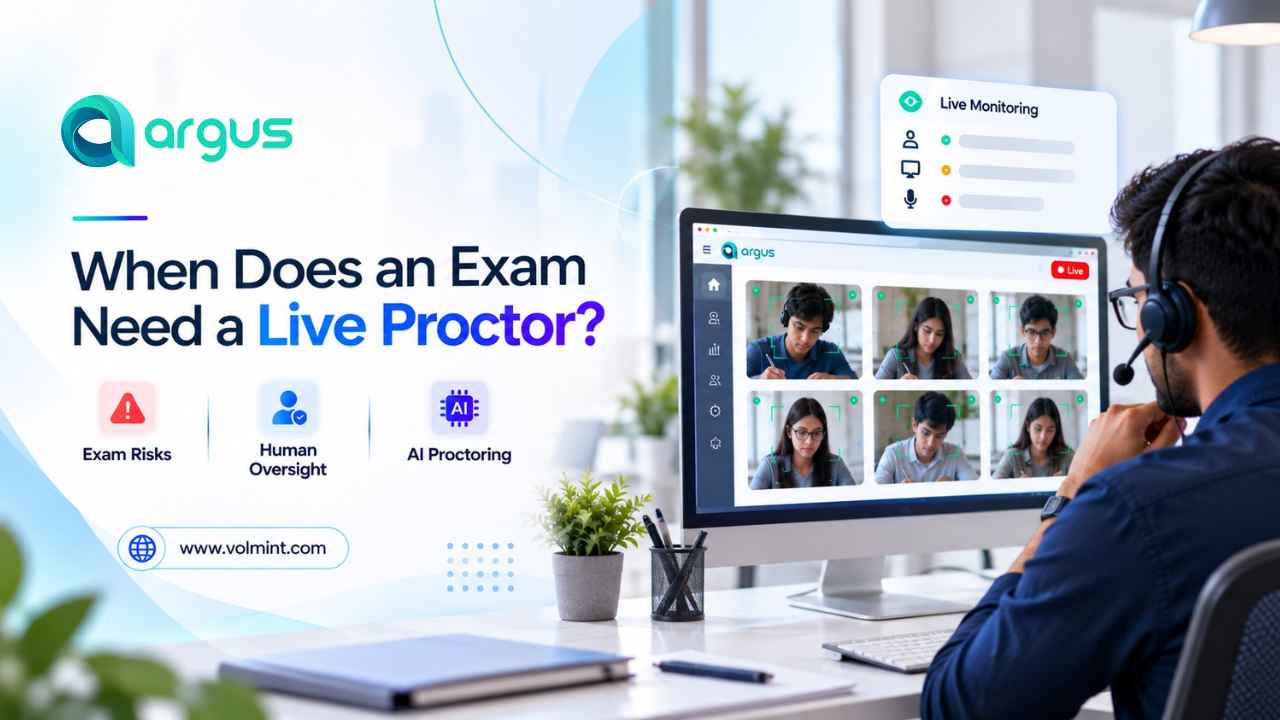
This is where an AI + Human Hybrid Remote Proctoring Software can help institutions make fair decisions and create a student-centric environment during remote assessments. The AI -powered software can detect potential violation alerts, and a human proctor can monitor the flags based on context and evidence to take the necessary steps.
But what happens when a candidate is flagged even though they are following the exam rules?
Well, it depends on how the exam monitoring system works. Basically, AI Exam proctoring uses artificial intelligence and similar technologies to evaluate specific signals and patterns, not a candidate's intentions. An AI Flag indicates that an event happened with a particular candidate that requires immediate assistance; it does not necessarily mean that exam misconduct occurred.
What Does It Mean When An AI Flags a Candidate?
When an AI proctoring software detects suspicious activity during the exam and generates an alert, it means the system has detected an event that matches a configured rule, threshold, or pattern set by the exam-conducting body.
Based on the exam cheating detection software, the event may relate to identity verification, camera visibility, microphone activity, screen behavior, browsing restrictions, or any other irregularities during the exam.
For instance, if a candidate looks outside the screen while thinking, blinks frequently for some reason, is distracted by traffic or household chores, or is in dim lighting, the platform may trigger an alert, even if there is no misconduct.
AI Flags can therefore represent several possibilities:
- A potential violation of examination rules.
- A natural reaction such as posture changing.
- A technical issue affecting monitoring
- Issues in identity verification
- An event that requires human intervention or contextual reasoning.
What Steps Should a University Take to Reduce Unnecessary AI Proctoring Alerts?
Organizations cannot guarantee that every alert will be correct, but they can improve the conditions in which online exam monitoring software operates.
- Provide clear instructions to the candidates about alerts, technical requirements, device settings, and all.
- Conduct a pre-exam to check technical issues and understand the process to avoid further issues.
- Configure monitoring rules and select relevant features to minimize the risk level.
- Human review can help interpret events that automated systems cannot reliably classify on their own.
- Proctoring software should be evaluated using relevant evidence from testing and deployment.
Conclusion
AI proctoring software helps organizations monitor remote examinations by identifying activity that matches configured rules and patterns. These alerts can draw attention to potential issues, but they can also result from ordinary behavior, environmental conditions, or technical problems. Clear exam instructions, technical checks, proportionate monitoring settings, human review of important incidents, and transparent appeal processes can help reduce unnecessary alerts and improve confidence in online examinations.