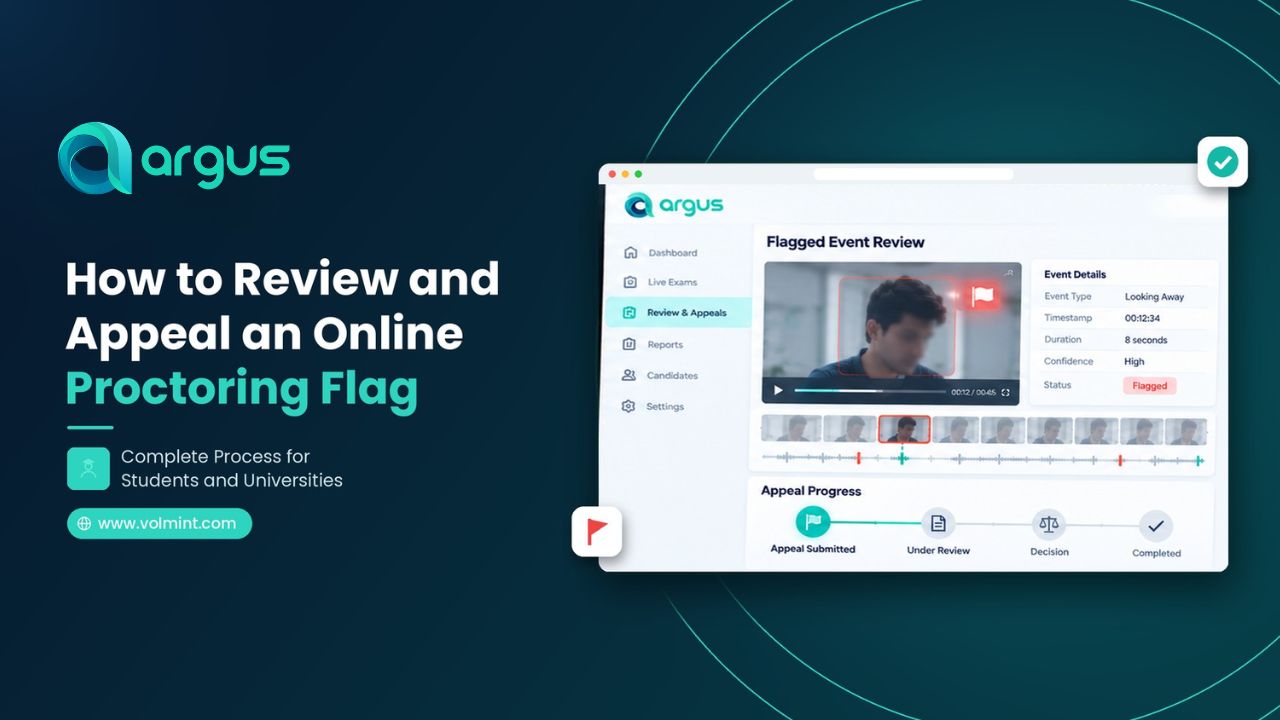
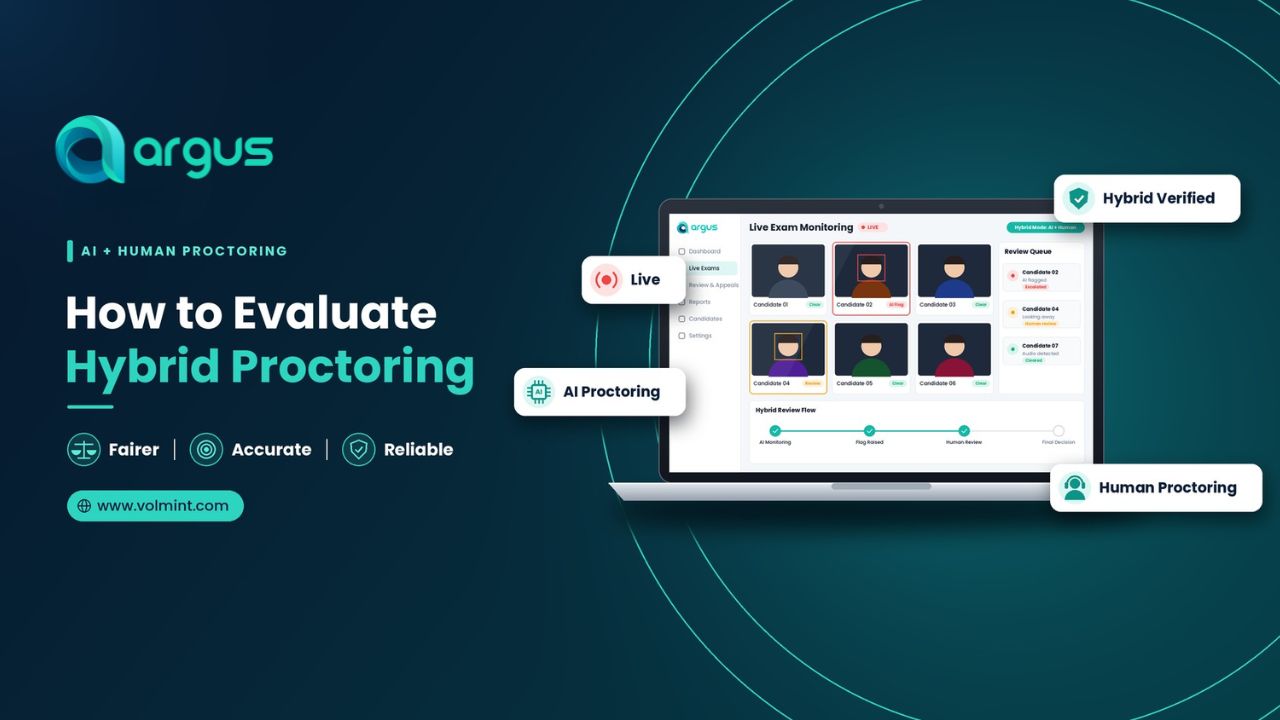
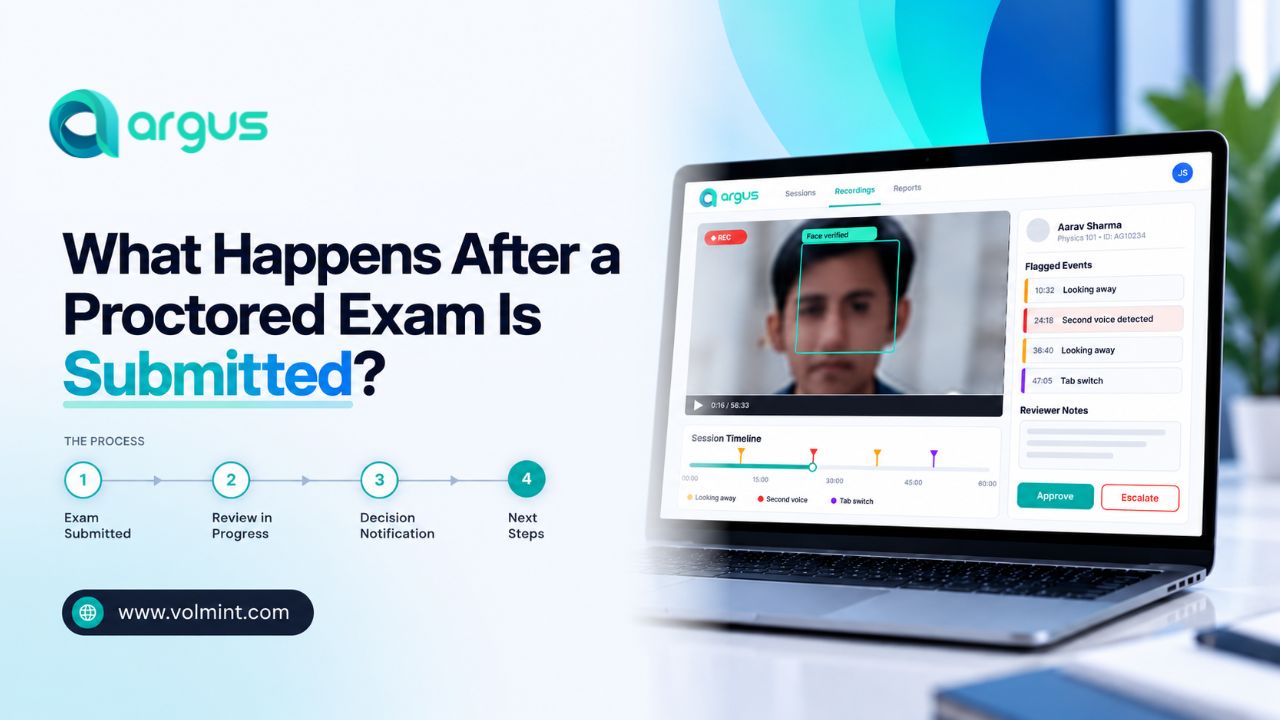
To review and appeal an online Proctoring Flag, firstly understand the reported event, then gather supporting evidence and timestamps, follow the institutions guidelines, and appeal a disputed exam alert through a clear explanation. Institutions should review the appeal, check the submitted evidence, apply their examination rule, and provide a fair judgment.
Nowadays, universities and certification bodies are opting for AI-powered online exam monitoring software that helps to automate operations and maintain exam integrity. The system uses artificial intelligence and related technologies to verify candidate identity and monitor activity during online assessments. However, sometimes remote proctoring software can flag an event that does not accurately reflect what happened or misjudge normal human behavior as a potential alert.
Well, in that case, the candidate must appeal an online proctoring flag to justify their side, and authorized personnel should understand the context to make fairer decisions during the tests.
Want to know how? This comprehensive guide helps you learn how to raise a query and what steps to follow as the candidate or institution to handle AI Proctoring flags during remote assessments.
What is an Online Proctoring Flag?
An online proctoring flag is an alert generated during online assessments when a monitoring system detects any suspicious activities or irregularities that match the configured rule or pattern set by the institution for further review.
Depending on the exam cheating detection software and university rules, these flags may be related to candidate behavior, webcam activity, microphone, browsing restrictions, screen monitoring, and technical interruptions.
Does an online proctoring flag prove candidate cheating? Not exactly. Sometimes, an AI-powered proctoring system misjudges normal human behavior or technical issues as a potential violation even if no misconduct happened, which is known as false positives in AI proctoring.
Common reasons for online proctoring flags:
- Camera or Face Detection: The camera is facing the wrong direction, dim light, or poor quality that causes poor visibility.
- Identity Verification: The details do not match the person taking the exam, such as image and biometric data.
- Audio Activity: Background sound or unauthorized voice may trigger an audio alert.
- Browser Activity: Tab switching or opening restricted browsers during the online assessments.
- Screen Monitoring: Multiple faces on the screen may trigger a screen-monitoring rule.
- Technical Issues: Bad network or connectivity problems.
Not every online proctoring platform monitors all these activities. The exact alerts depend on the software and its features.
Why Should an Online Proctoring Flag be Reviewed?
Based on the predefined patterns and system configuration, AI-powered software detects suspicious activities. However, sometimes it may generate an incorrect alert even with no signs of violation. It may harm exam integrity and create unnecessary chaos. Therefore, to understand the incident and make relevant decisions, online proctoring flags must be reviewed.
For Example, if a student is looking outside the screen while thinking about the answer, or a noise from household chores occurs, it may trigger a monitoring alert or a voice alert. The system may suspend a student temporarily or permanently, even if no misconduct occurred. Thus, a human proctor must review the event, understand the context, and make a fair decision.
What are the two major errors of automated monitoring?
- False Positives of AI Proctoring: The system flags an event that does not represent the violation being investigated.
- False Negatives of AI Proctoring: The system fails to flag an event that does represent a relevant violation.
A review process helps institutions examine what happened rather than relying exclusively on automated alerts.
How Should Universities and Examination Teams Review a Proctoring Flag?
Candidates have a role in explaining disputed events, but institutions also need a clear and consistent process for evaluating AI-generated alerts.
A reliable review workflow should separate automated detection from the decision about whether a violation occurred.
- The reviewer or human proctor must confirm the details of the alert, such as the flagged type, timestamp, monitoring rule involved, images, recordings, and available evidence.
- Examine the available evidence, event context, history, technical logs, examination instructions, and other relevant details.
- Go through the technical and accessibility factors, such as camera position, connectivity, software compatibility, and other technical conditions.
- After evaluating the related factors, the human proctor must apply the examination rules.
- Document the decision by recording the considered evidence, policy applied, and the reason for the outcome.
If repeated alerts result from technical interruptions, unclear rules, or unsuitable monitoring thresholds, the institution should investigate those patterns.
What are the Common Mistakes You Should Avoid When Appealing an Online Proctoring Flag?
Candidates can make their appeal easier to assess by avoiding a few common mistakes.
- Ignoring the deadline for appealing
- Providing a vague explanation
- Submitting irrelevant evidence
- Making unsupported allegations
- Providing forged or fake documents
- Using unofficial communication channels
Final Thoughts
Online proctoring flags can help identify events that deserve attention, but they should not replace a careful examination of the evidence. Technical interruptions, ordinary candidate behavior, and identity verification difficulties can sometimes create alerts that need further investigation.
Online proctoring software is most useful when it supports a transparent and accountable assessment process. By combining appropriate monitoring with evidence-based review, organizations can protect exam integrity while giving candidates a meaningful opportunity to challenge disputed outcomes.