
logo
HomeBlogs

Online Proctoring Features: Must-Haves by Exam Type

Online Proctoring Features: Must-Haves by Exam Type

Discover the key online proctoring features institutions need for secure and fair exams, from candidate verification and AI alerts to human review, browser lockdown, and technical readiness checks.

Online Proctoring Features: Must-Haves by Exam Type

Candidate identity verification, live + AI-supported monitoring, browser lockdown, webcam and microphone access, AI-generated alerts, human invigilation facility, technical readiness checks, and 3rd party integrations are some of the most preferred AI Proctoring features that institutions must check before deciding.

Online proctoring is a technology-enabled method to supervise candidates during remote assessments, ensuring examination integrity, fairness, and authenticity. However, choosing AI proctoring software does not guarantee a secure and seamless examination; understanding its features is the key to successful remote assessments.

For educational institutes, certification providers, and recruitment agencies, choosing remote exam monitoring software is not just about counting features. The right solution depends on the exam needs, risks involved, number of candidates, and the level of supervision required. For a secure and fair examination, choose a system that can perform candidate verification, monitor students, generate alerts, lock down unauthorized browsing, and solve technical challenges during the session.

However, these features may depend on the type of examination. For example, a university conducting a low-stakes online quiz may need only basic identity checks and control. However, a professional certification or high-stakes exam may require thorough ID verification, continuous monitoring, and document review, which can be possible through a human + AI-assisted hybrid proctoring software.
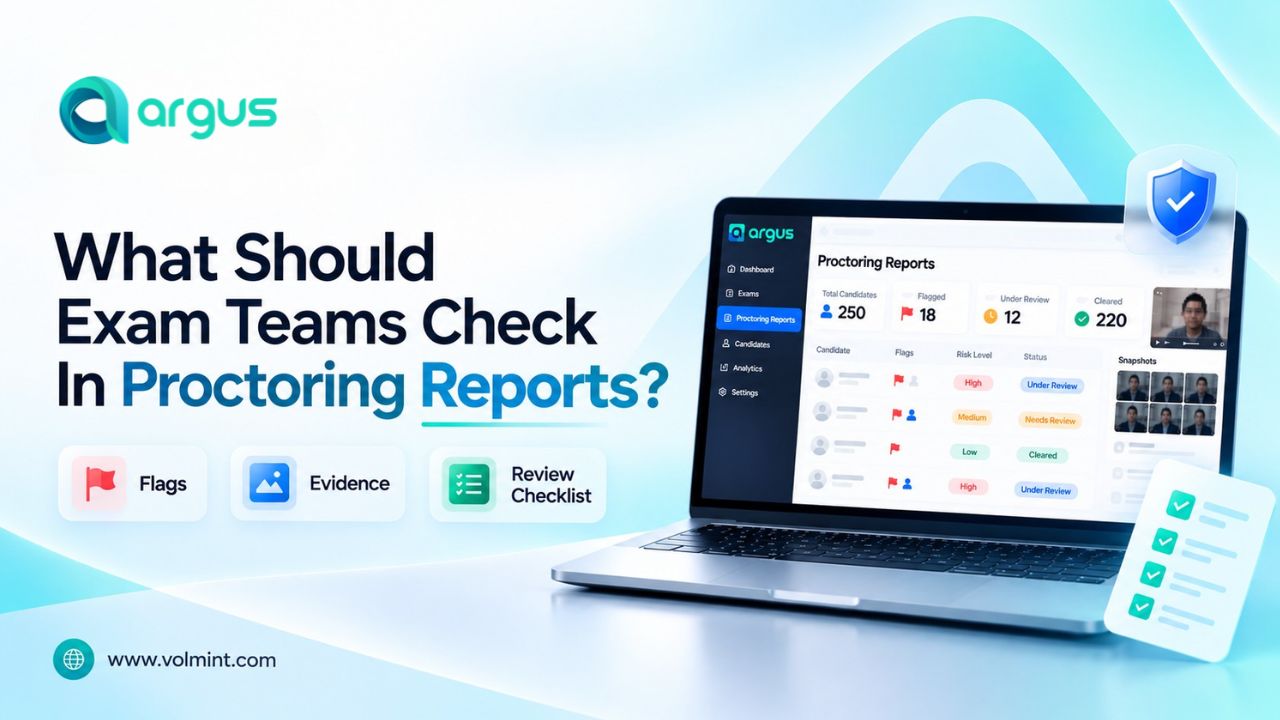

Which Online Proctoring Features Matter Most for Institutions?

Before comparing solution providers/vendors, the exam team should understand their requirements; distinguishing between core capabilities and features needed is important to choose wisely.

Features for online proctoring software

Its objective

When it matters most

Candidate Identity Verification

To restrict unauthorized persons from taking the exam

Certification, recruitment, high-stakes exams

Recorded, Live, and AI-Supported Monitoring

Provide complete visibility and continuous monitoring

Review for false-positive alerts and secure supervision

Lockdown Browser

Helps to restrict use of unauthorized websites, applications, and browsing features.

Closed-book exams

Screen, Audio, and Video Recording

Save evidence for later review, when required

Recorded or high-stakes proctoring

AI-Generated Alerts

Continuous candidate monitoring to identify potential violations and events that require further review

Large-scale assessments where automated proctoring is useful

Human Review

To minimize the effect of false positives and make fair decisions after complete consideration

Exams where incidents can affect results

Technical Readiness Check

Identifies compatibility and setup issues before the exam

All remotely proctored assessments

3rd-Party Integration and LMS Access

Connects exam delivery, candidate records, and proctoring workflows

Universities and organizations using existing systems

Data Security and Retention Controls

Supports appropriate handling of recordings and candidate information

Every assessment that collects personal data


Which Features Are Must-Haves for University Exams?

University assessments vary widely, from weekly quizzes and internal assignments to semester-end examinations. The chosen online exam software for university must reflect the assessment’s stakes and format rather than applying the same restrictions to every test.

The online proctoring software must have features such as:

  • Candidate Identity Verification to ensure the registered person is taking the exam.

  • Secure exam browser control to restrict the use of unauthorized websites, applications, and selective shortcuts.

  • Easy access to proctoring reporting tools such as camera and microphone to record audio, video, and screen.

  • Automated alert generation to flag incidents that require further assistance.

  • LMS integration that helps to connect exam workflow with existing student records.

  • Technical readiness and accessibility support to overcome challenges

  • Live + Human invigilation to ensure secure and smooth operations.

Which Features Matter for Recruitment Assessments?

Recruitment assessments may involve aptitude tests, technical evaluations, coding tasks, situational judgement tests, or role-specific examinations. The right features depend on whether the assessment measures general knowledge, practical skills, or professional competence.

For remote recruitment tests, consider:

  • Candidate authentication to link the assessment to the right person.

  • Scalable exam delivery for large groups taking the exam at the same time.

  • Secure exam browser to restrict irrelevant use and browsing.

  • Session and event logs to detect irregularities.

  •  Clear review process and communication between the candidate and the examination body.

Which Features Are Essential for Certification Exams?

Professional and industry certification exams may determine whether a candidate earns a credential or meets a professional requirement. Identity assurance, consistent exam conditions, and defensible incident handling can therefore be especially important.

Online Proctoring Software features include:

  • Identity verification to minimize the risk of cheating or unauthorized access.

  • Secure browser restrictions can help prevent access to prohibited resources on the testing device.

  • Live supervision, recorded sessions, or other supported monitoring methods can help exam teams investigate potential violations.

  • Reviewers should be able to examine relevant events, timestamps, and available evidence before a decision is made.

  • Candidates should be able to confirm device compatibility before scheduling or starting the exam.

How Can Institutions Choose the Right Feature Set?

Before selecting an online exam monitoring software, the exam team should ask these five questions to themselves to understand their requirements and select the appropriate features.

1. What are we proctoring?

Identify the exam type and understand the risks involved, such as impersonation, unauthorized access, and technical liabilities.

2. What Level of Supervision is Justified?

Check whether the exam needs thorough candidate identity verification, browser restrictions, live monitoring, and all.

3. What can the candidate access?

Identify device availability, internet requirements, accessibility needs, and technical compatibility.

4. How can incidents be handled?

Establish who will review the incident, what the criteria are, and document outcomes.

5. Can the platform support the full workflow?

Evaluate integration, reporting, data security, support requirements, and total operating cost.

Final Thoughts

Online proctoring features should be selected according to the exam, not treated as a one-size-fits-all package. University exams, professional certifications, recruitment assessments, and practical tests have different security requirements and candidate needs.

Institutions should prioritize the capabilities that address their specific risks, verify technical compatibility, establish fair review procedures, and assess privacy and accessibility before deployment.

Frequently Asked Questions

More Blogs

Contact Volmint Technologies

Let's Connect for Technological Brilliance

Reach Out to Volmint Technologies Today and Unleash the Power of Customized Solutions Tailored to Elevate Your Business.

Contact Us
Footer Background Circle
Online Proctoring Features: Must-Haves by Exam Type